
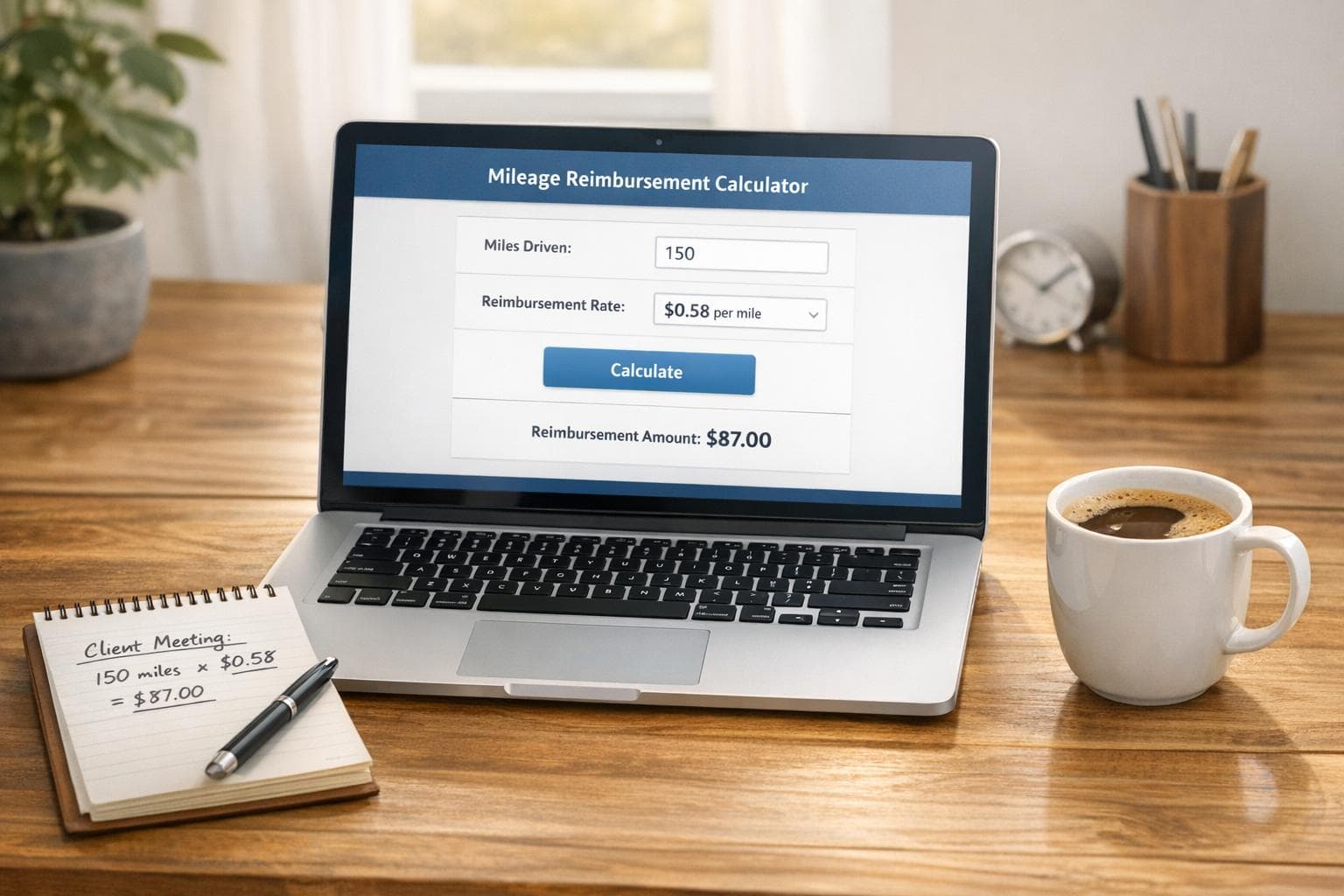
Mileage Reimbursement Calculator
Calculate Your Business Travel Expenses with Ease
Managing expenses for business travel can feel like a chore, especially when it comes to tracking miles driven. That’s where a reliable mileage reimbursement calculator comes in handy. Whether you’re an employee submitting claims or a freelancer logging trips for tax purposes, having a straightforward way to compute what you’re owed is a game-changer.
Why Tracking Mileage Matters
Every mile you drive for work could mean money back in your pocket, especially if your employer follows the IRS guidelines. For 2023, the standard rate sits at $0.655 per mile, and even small trips can add up over time. Beyond reimbursements, accurate records also help during tax season if you’re deducting vehicle expenses. But let’s be real—manually calculating totals or digging through spreadsheets isn’t anyone’s idea of fun. A dedicated tool streamlines this, letting you focus on your work instead of the numbers.
Beyond the Basics
Our web-based solution not only crunches the numbers but also offers a spot to note trip details for better organization. It’s free, user-friendly, and built to handle the nuances of business mileage tracking. Try it out today and take the stress out of expense reporting!
FAQs
What is the standard IRS mileage rate for 2023?
For 2023, the IRS standard mileage rate for business travel is $0.655 per mile. This rate is updated annually to account for changes in fuel costs, vehicle maintenance, and other factors. Our tool automatically uses this rate as the default, but you can adjust it if your employer uses a different figure.
Can I use this tool for personal mileage tracking?
While this calculator is designed for business mileage reimbursement, you can absolutely use it to track personal miles if you’re curious about costs. Just keep in mind that personal miles typically aren’t reimbursable unless they qualify under specific tax rules. If you’re unsure, check with a tax professional!
What if I enter invalid data, like negative miles?
No worries—we’ve got you covered. If you enter something funky like negative miles or non-numeric values, the tool will prompt you to correct it with a friendly error message. We want to make sure your calculations are accurate, so we’ll guide you to input valid numbers before showing results.